Instructions for use:
- Run showAblObjectLeaks.p (attached)
- Use File >> Open from the menu (or F3) to find and open a .json file containing the output from ABLObjects
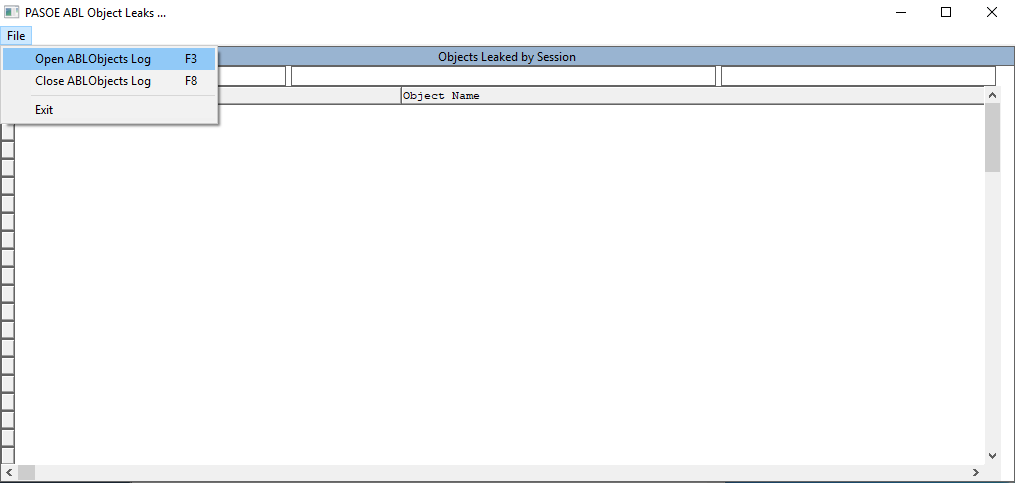
- Filtering:
Once the log is opened you can type in the fill-ins at the top of the first 4 columns to filter the data using that column. Adding more characters to additional columns includes those values in the filters as well. The filters use MATCHES operator, so you can enter partial strings/patterns for filtering.
You can also use the minus sign(-) at the beginning of a filter to omit the value immediately following the minus sign.
The first four columns in the browse are editable, which allows selecting the value to be copied and pasted into the filter, to avoid typos.


