Today's Tip (Sept 28, 2012) - How to Quickly Access a Product Download on ESD
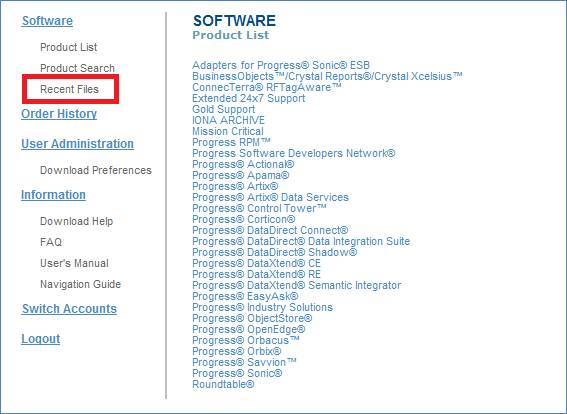
Did you know, that you do not have to navigate through your full product structure on ESD in order to access new files - including hotfixes? The navigation experience can be focused on the delivery of new files by clicking on the Recent Files link in the left navigation pane on the landing page in ESD.
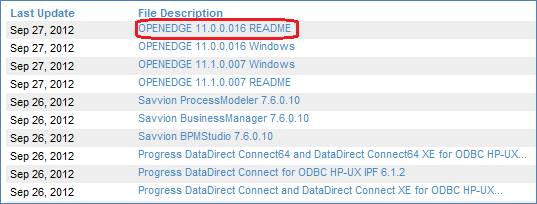
After clicking on the Recent Files page, you will be presented with the list of all files delivered to your account within the last 30 days. This includes any file for any product line you have on ESD.
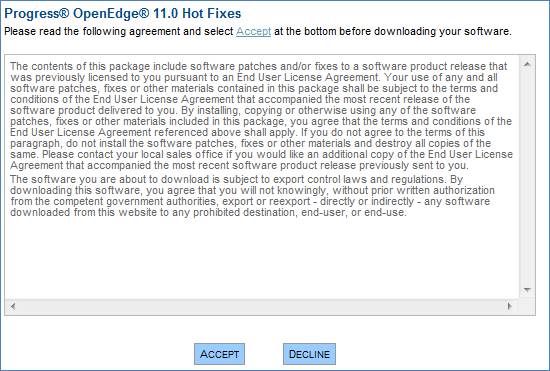
After choosing which file you want to download you will be presented with the applicable EULA to accept:
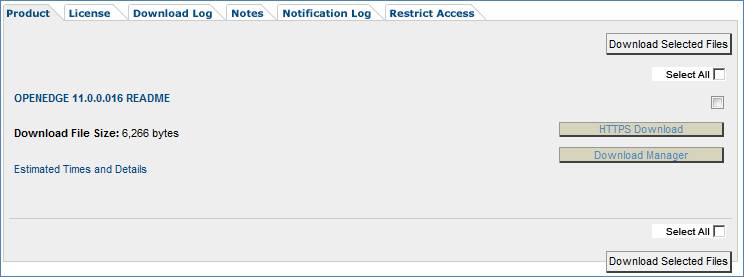
and then be brought right to the file you have selected to download.
![]()


